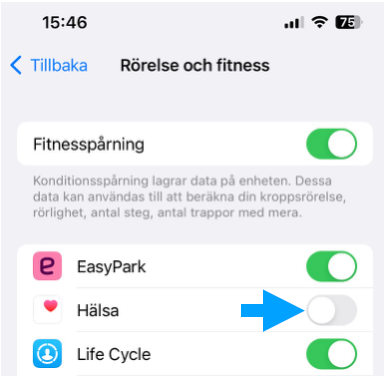
iPhone – Sync Garmin or Polar
Wellr syncs with the Health app on your iPhone.
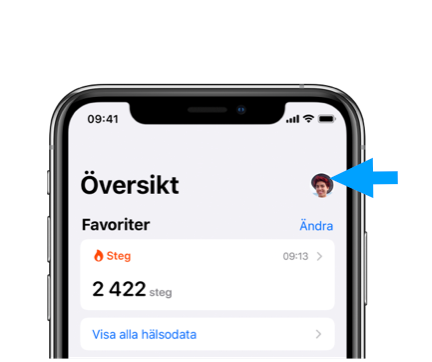
- Open the Health app on your iPhone.
- Tap your profile picture or your initials at the top right.
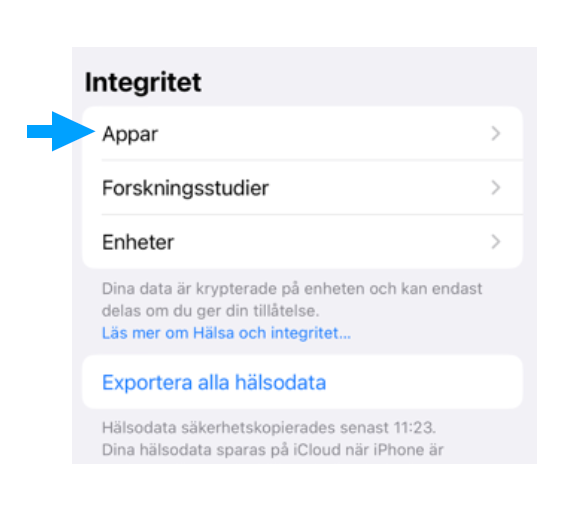
Tap Apps under Privacy.
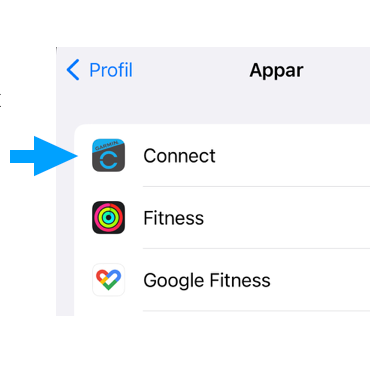
The screen should then show your watch, e.g. Garmin Connect, Polar Flow etc.
- There you can give the Health app access to your health data/steps from your watch.
- Note: Some watches need to sync in the watch's own app for the steps to reach the Health app and Wellr. This can sometimes take a little while.
You need to turn off the step counter in your phone
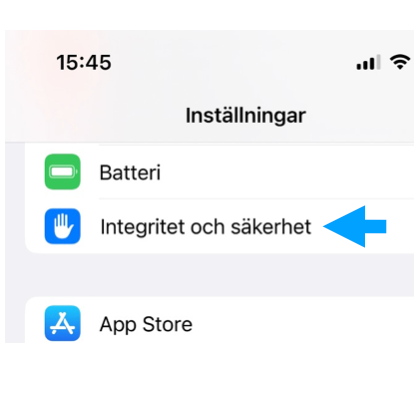
- Open Settings and tap “Privacy & Security”
- Then tap “Motion & Fitness”
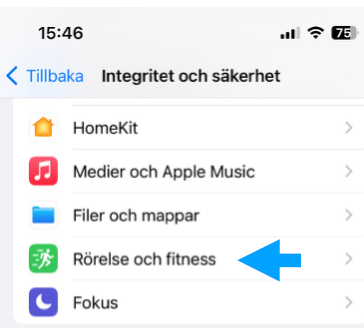
- Turn off “Health” so the switch turns grey.